Defense Mode Map Building
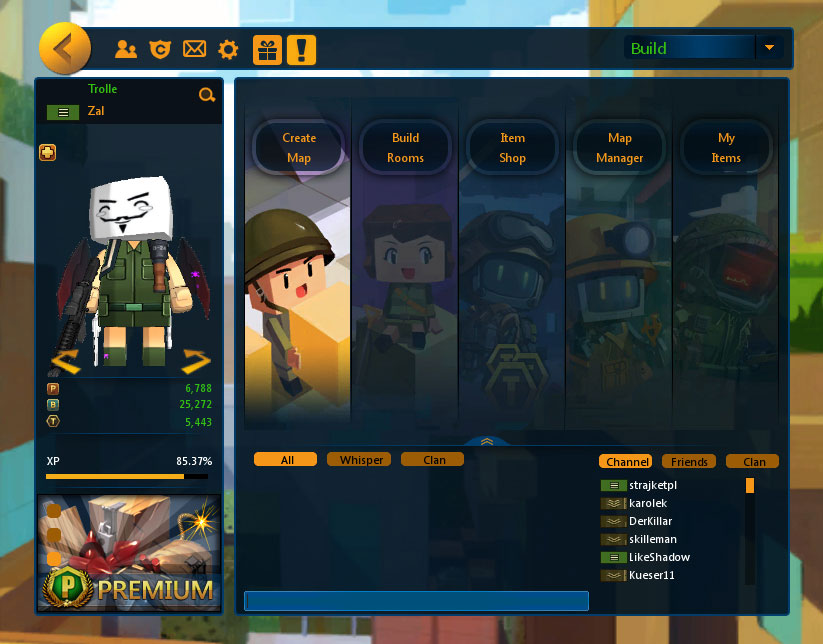
Hello fellow Brick-Forcer, and welcome to the building tutorial for Defense. In this handy guide we will run you through the basics of building a map for Defense mode so that you can get acquainted with how to register your first Defense map. To begin with, you’ll need to start building a brand new map or if you have an existing one, you can edit it to enable it to be played in Defense.
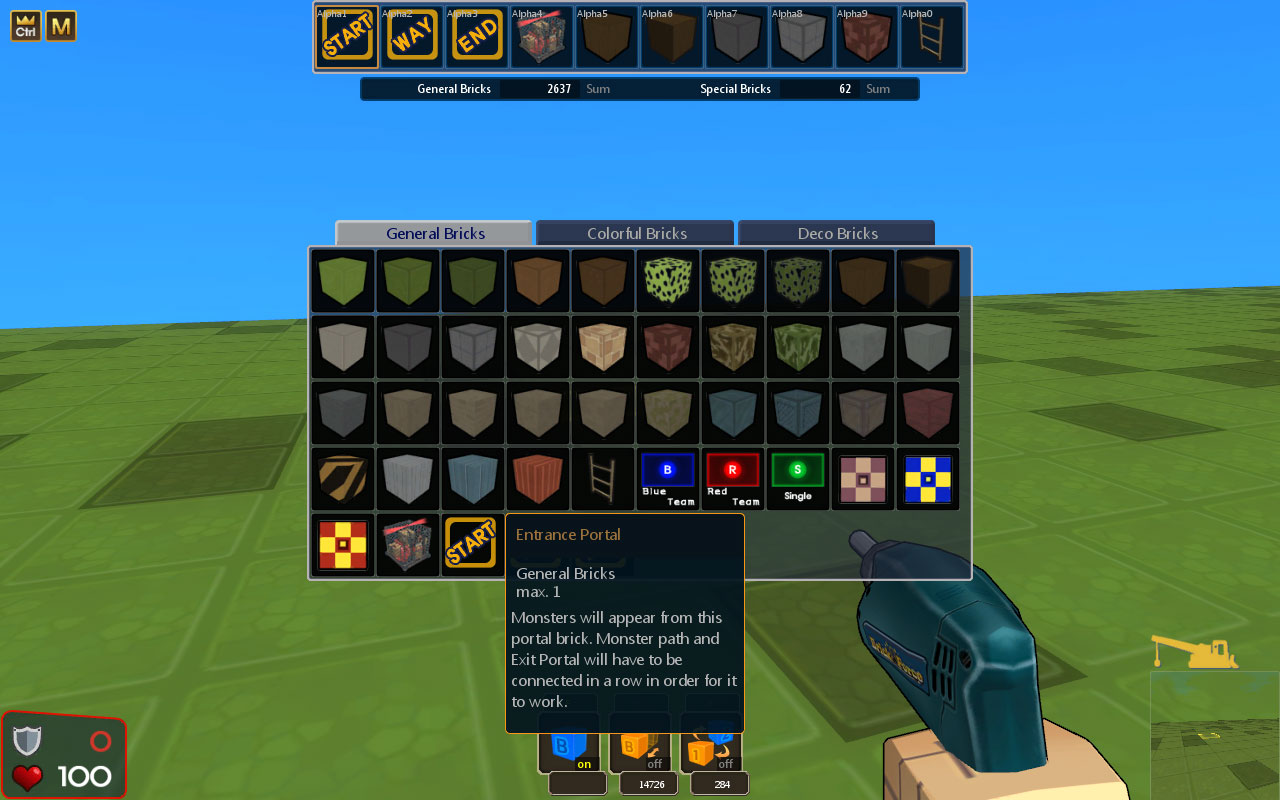
To successfully register a Defense mode Map, there are three elements that are required. These three things are “Start”, “Way” and “End” and can be found in the Brick Menu (Shortcut key: “M”).
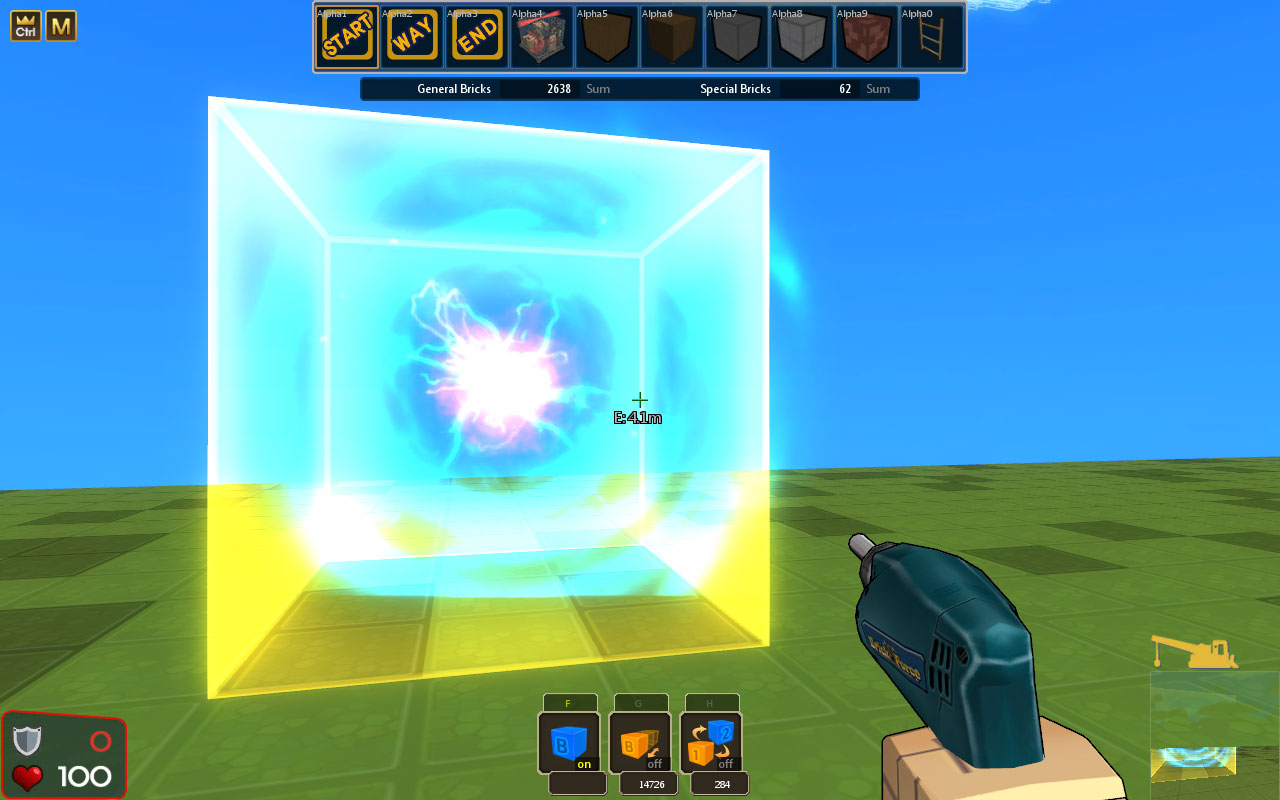
The Start element will be the spawn point for your Bees where they will begin their journey across the map. Drag it onto your Brick Bar and place it where you wish your Bees to appear.
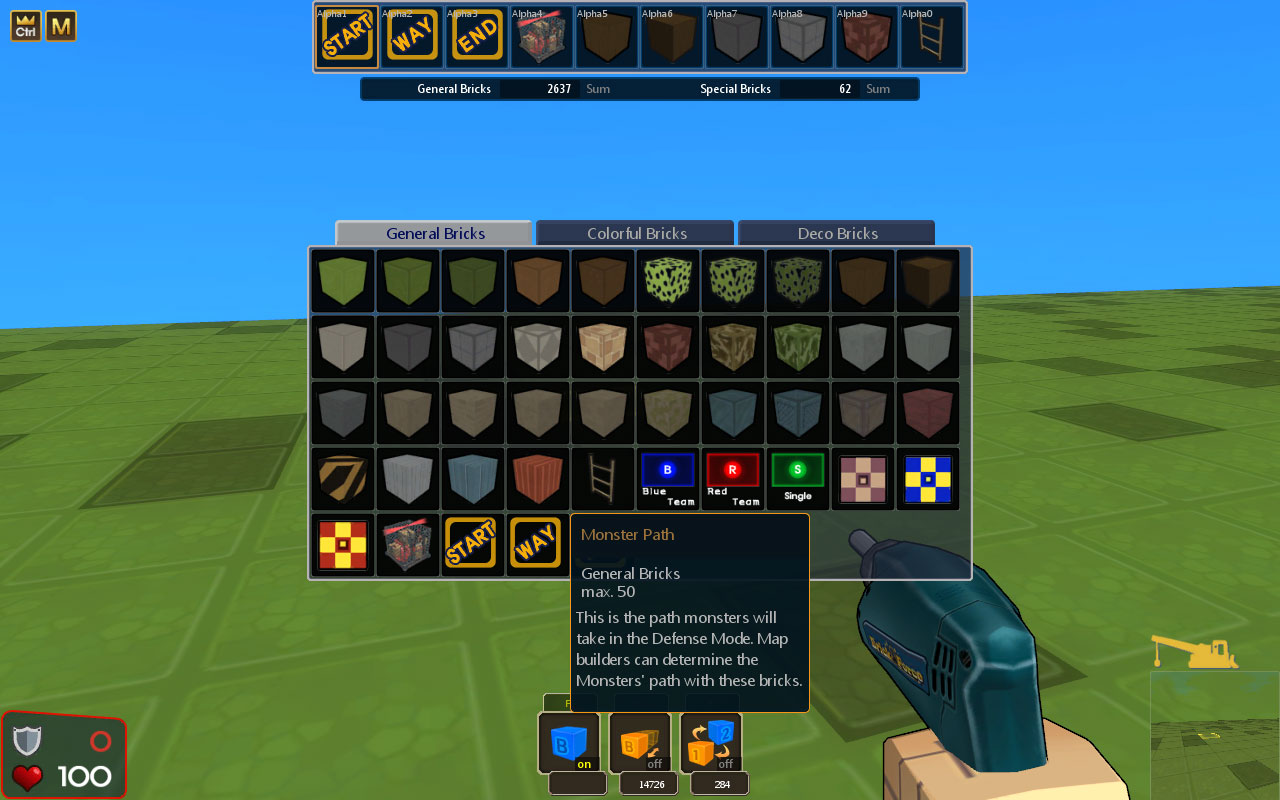
You can only place one Start point per map, and you need at least 3x3x3 bricks of free space in order to spawn and move monsters around the map. Next you should to select your “Way” element which must be connected to your Start point.
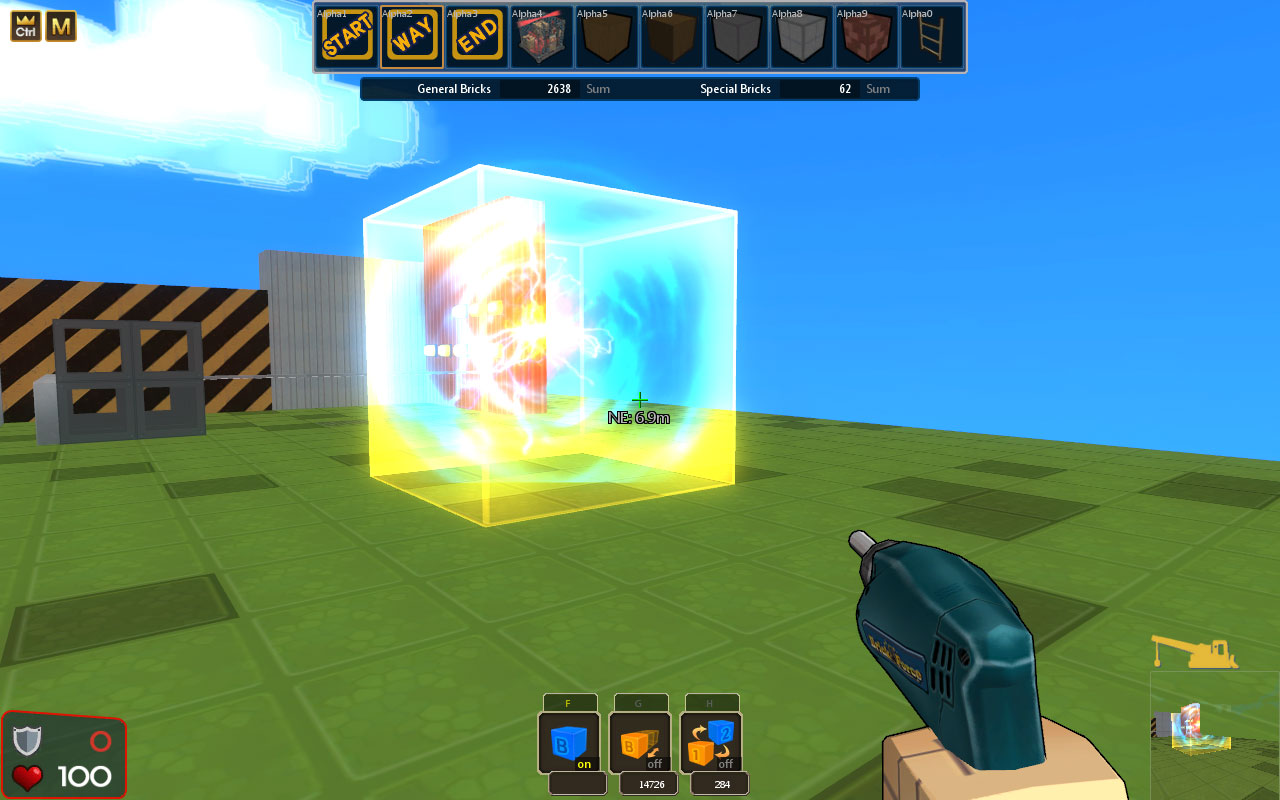
You can build up to 50 way points in any direction, but your paths must not cross, because Bees will always take the shortest route to the end point.
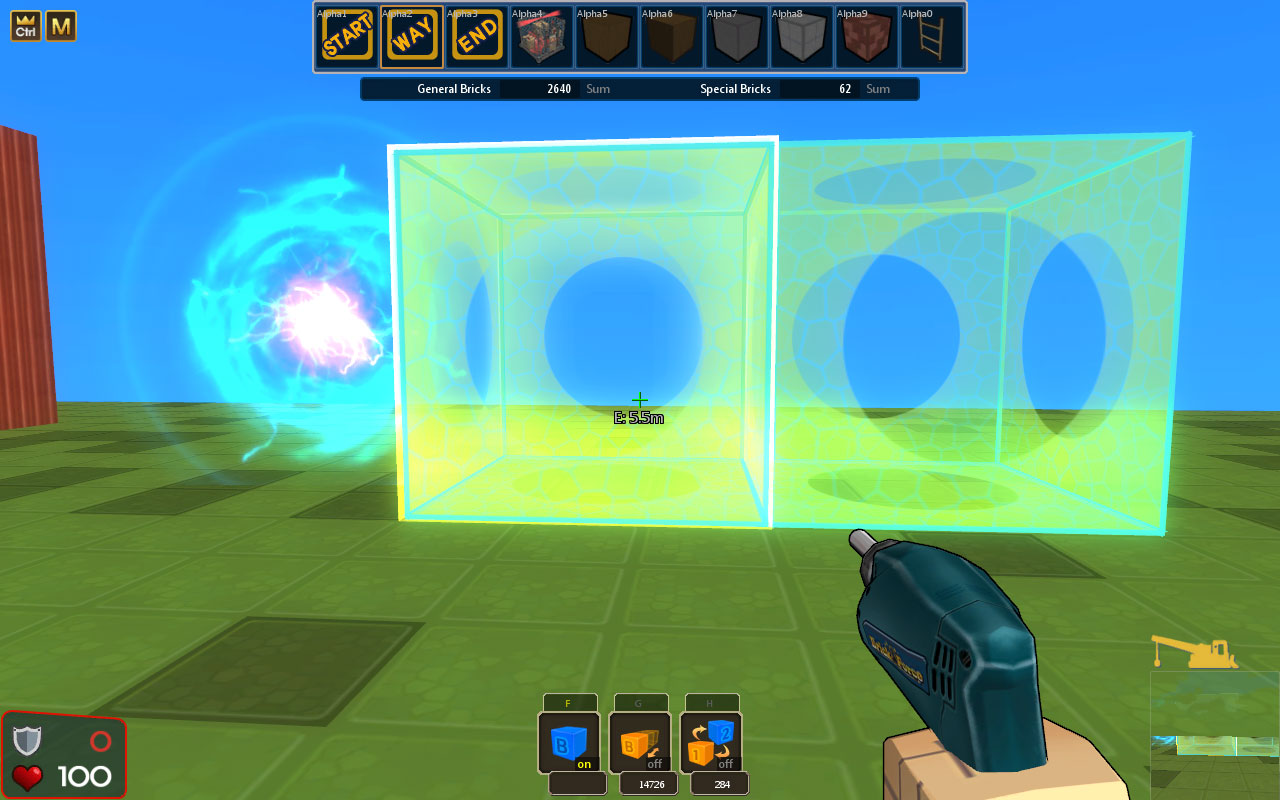
Ensure that there are no gaps in your path so that you can register your map successfully.
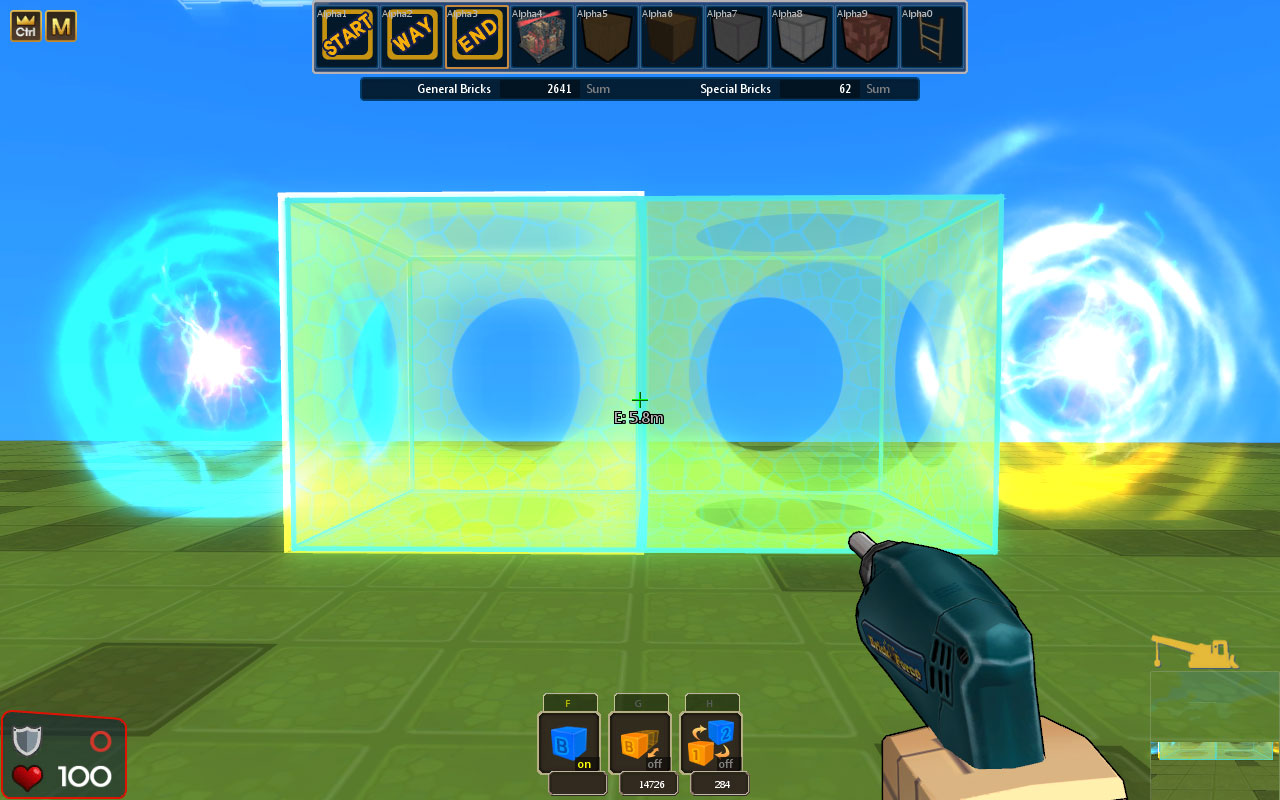
The “End” element is the final part of your Defense mode construction. Once a Bee reaches the End point, the relevant colored team will lose a point on the scoreboard.
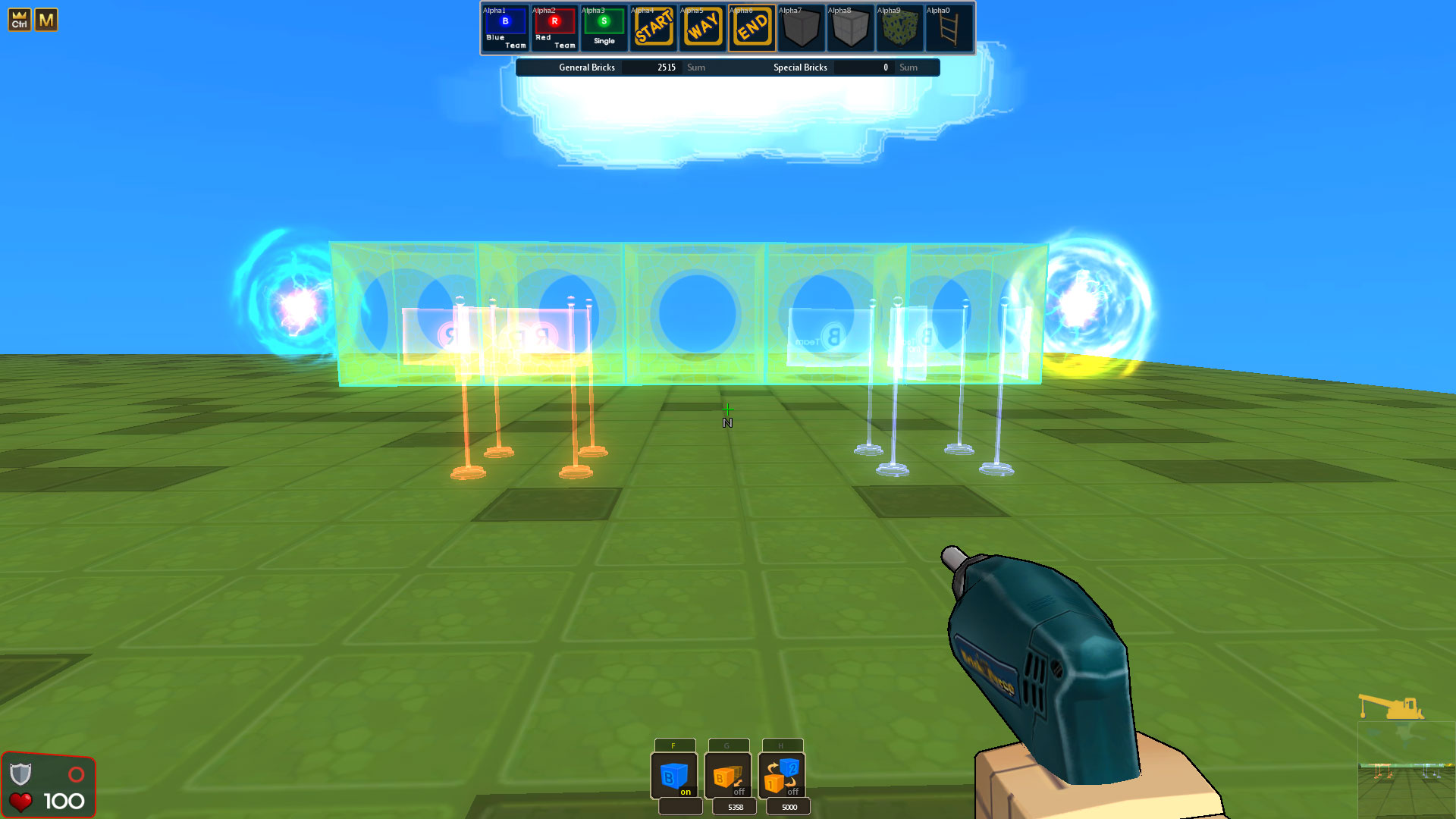
A minimum of 4 Blue and Red team Spawners are needed for any Defense mode map.
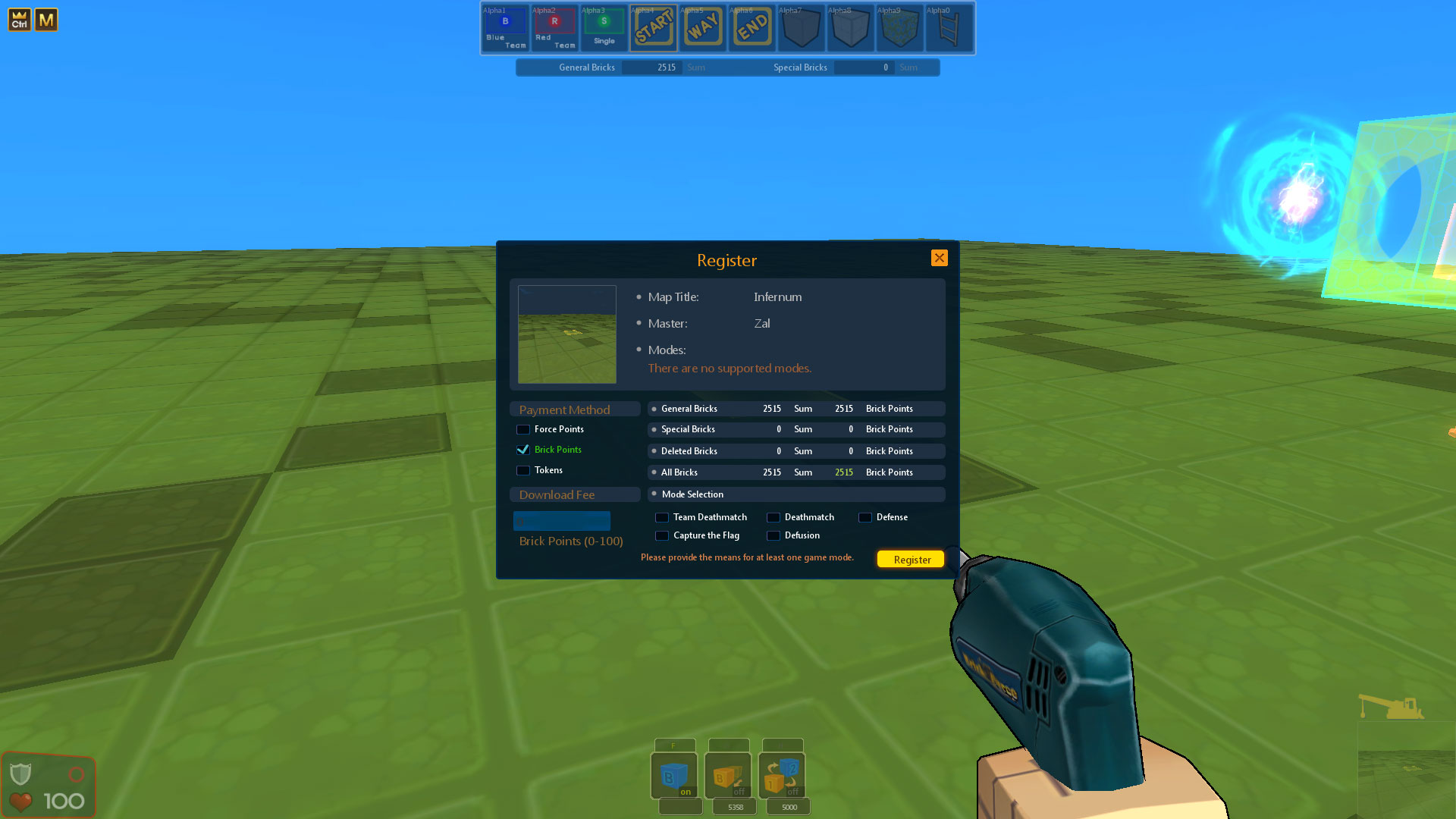
Once your map has been registered, you can begin playing it! Easy as cake.
We hope you enjoy the team orientated mayhem in Defense, our latest game mode.